

Projects & Sketches
Organise your work in projects, explore design options as sketches, and understand how saving works.
Projects
A project is a site: one location, one name, one description. Everything you design for that site lives in the project.
The dashboard
The dashboard lists your projects, most recently active first. Each card shows a thumbnail of the last saved view.
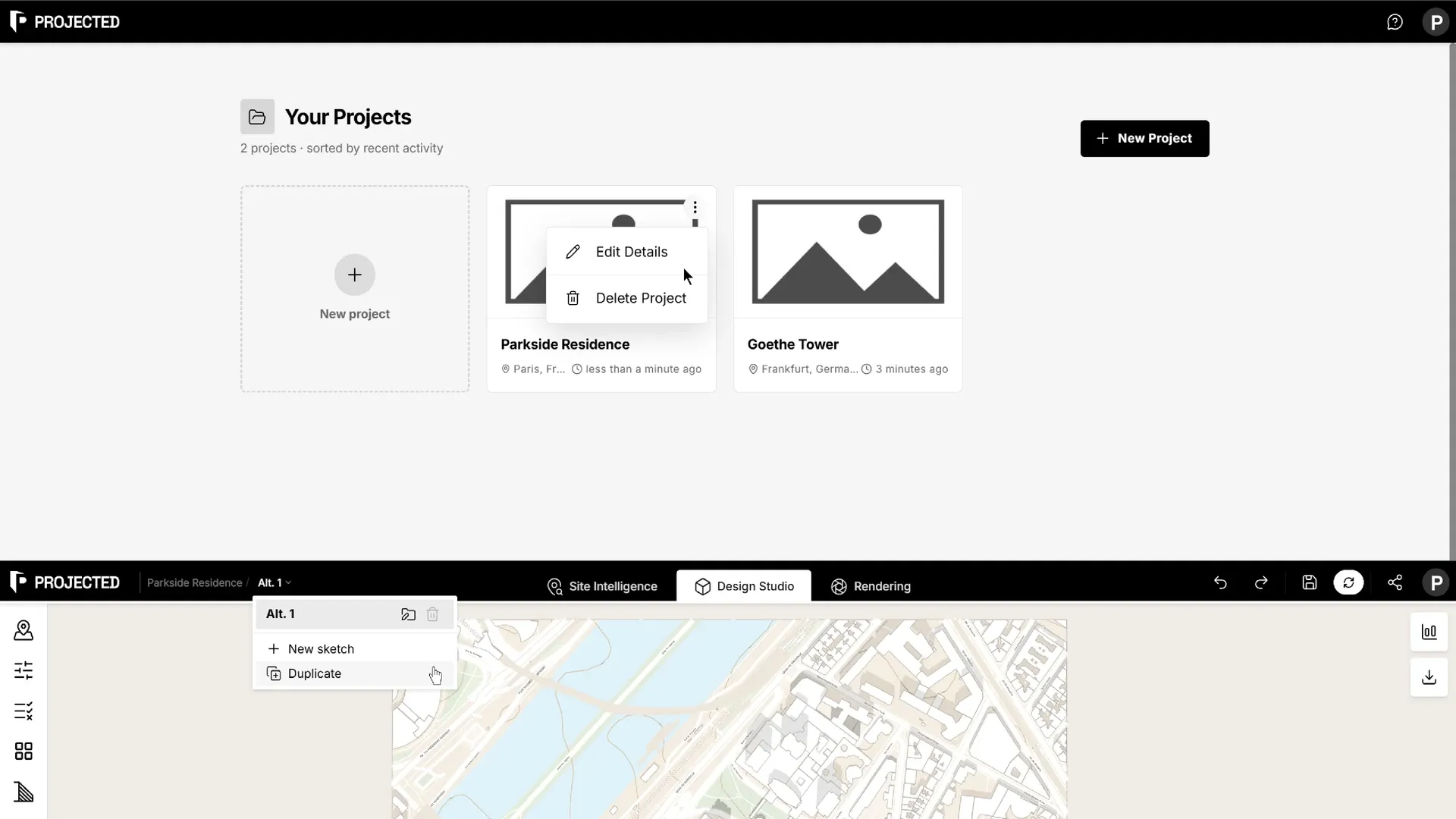
From a project’s menu (⋯):
- Edit Details changes the name and description.
- Delete Project permanently deletes the project and all its sketches. This cannot be undone.
Sketches
A sketch is one design option for a project. A project can hold as many sketches as you like, for example a low-rise option, a tower option and a mixed-use option.
Each sketch has its own plots, buildings, site rules, carbon assumptions, named views and reports. The site location is shared by the project.
Open the sketch menu from the breadcrumb at the top left of the editor:
| Action | What it does |
|---|---|
| New sketch | Starts an empty sketch on the same site. |
| Duplicate | Copies the current sketch, so you can try a variation without losing the original. |
| Rename | Click the sketch name to edit it. |
| Delete sketch | Deletes the sketch. This cannot be undone. |
Tip: Duplicate a sketch before a big change. Comparing two sketches is often faster than undoing.
Saving
You don’t need to save by hand. The editor saves the current sketch:
- every few seconds while you work,
- when you switch between workspaces,
- when you close the tab or leave the page.
The Save button in the top bar saves immediately and updates the project thumbnail.
Undo and redo
Use Undo and Redo in the top bar to step back through changes to your design. While you edit a shape (a volume or parking entrances), Ctrl+Z and Ctrl+Y (⌘+Z and ⌘+⇧+Z on Mac) step through that edit.
Undo covers the design elements. Settings such as units, shadow time or carbon assumptions are not part of the history.
Units
Projected works in metric units (metres and square metres). Imperial units are coming soon. Open Settings from the left rail to see the measurement system.